
Hide, isolate, show all
Hide parts that are in the way, look at a few parts on their own, and bring everything back with one key.
Hiding is how you look inside a model. A hidden part is still in the scene. It is only not drawn.
- H
- Hide the selected parts. When every selected part is already hidden, H shows them again.
- ShiftH
- Hide the rest: everything that is not selected
- AltH
- Show all parts again
- S
- Isolate the selection. When the selection is already the only thing on show, S shows everything again.
Isolate
- Select the parts you want to look at.
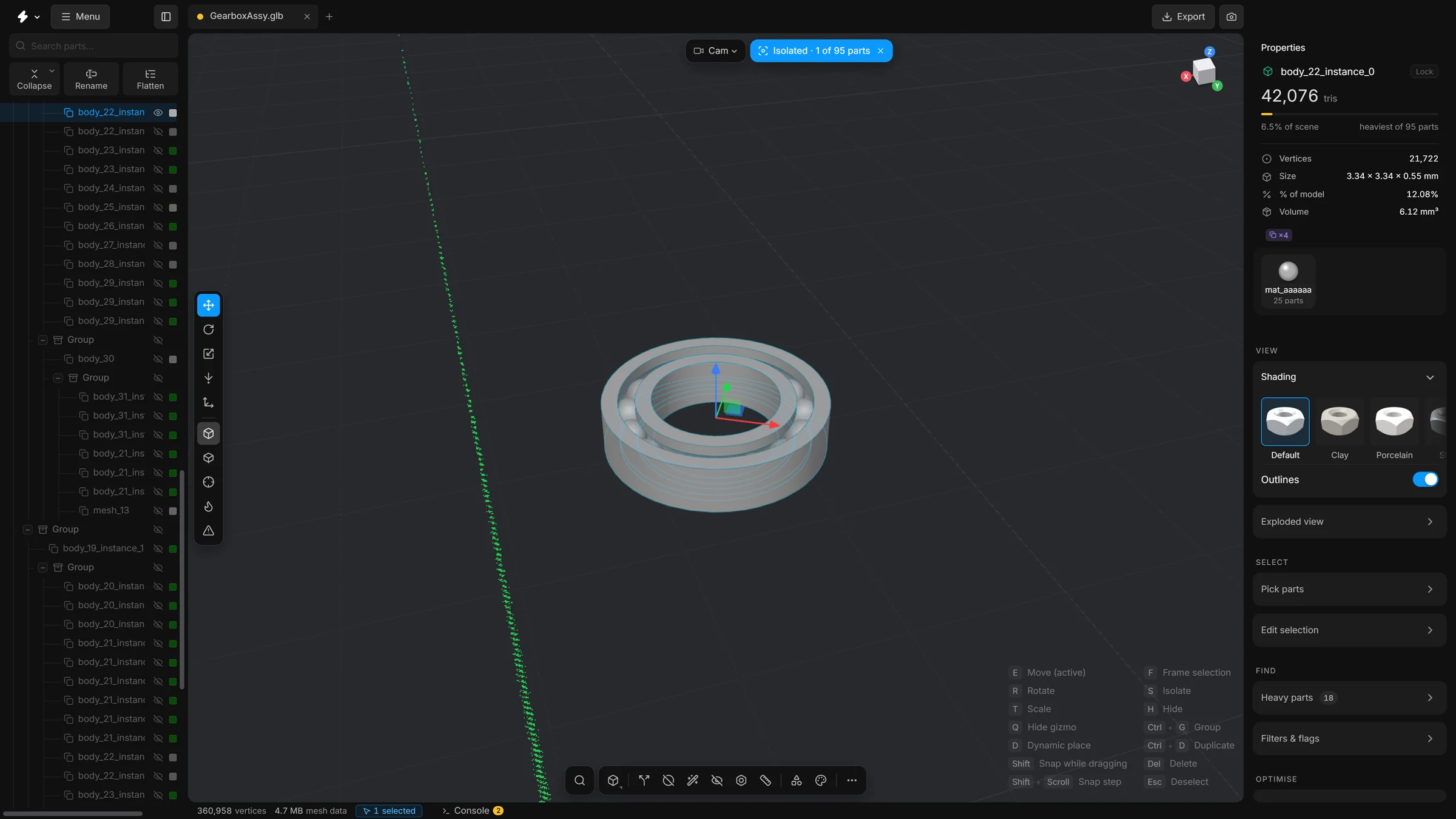
- Press S. Everything else disappears.
- A pill at the top of the viewport says so, for example “Isolated · 1 of 95 parts”.
- Press S again, or click the pill, to show everything.
- To look at other parts instead, select them and press S: the view isolates those. S leaves the isolation only when the selected parts are already the only ones on show.
In the parts tree
Every row has an eye at its right end. Click it to hide or show that part. The eye on a group hides or shows everything inside it.
Good to know
- Hiding and showing are undo steps. CtrlZ takes one back.
- Properties shows how many parts are hidden.
- A saved scene remembers which parts were hidden.
- When you export, the switch Visible parts only decides whether hidden parts are written to the file. See Export.