- What is it good for, and what is it not?
- Repeated clean-up on assemblies: fasteners, hidden parts, a model to a size, a folder of files, pictures. If you already know which buttons to press, pressing them is just as fast. It saves clicking, not judgement.
- Could I do this with Blender and its MCP?
- Largely, yes. Blender can reduce, remove and render, and Claude can drive it. MeshOptimiser opens STEP and IGES directly, finds bolts and hidden parts itself, takes a model or a folder to a size in one call, and runs in a browser tab. If you work in Blender and your models are meshes, that is a fair choice.
- What do I need?
- MeshOptimiser open in a browser tab, and Claude Code or any client that can add an HTTP MCP server.
- What is Claude mode?
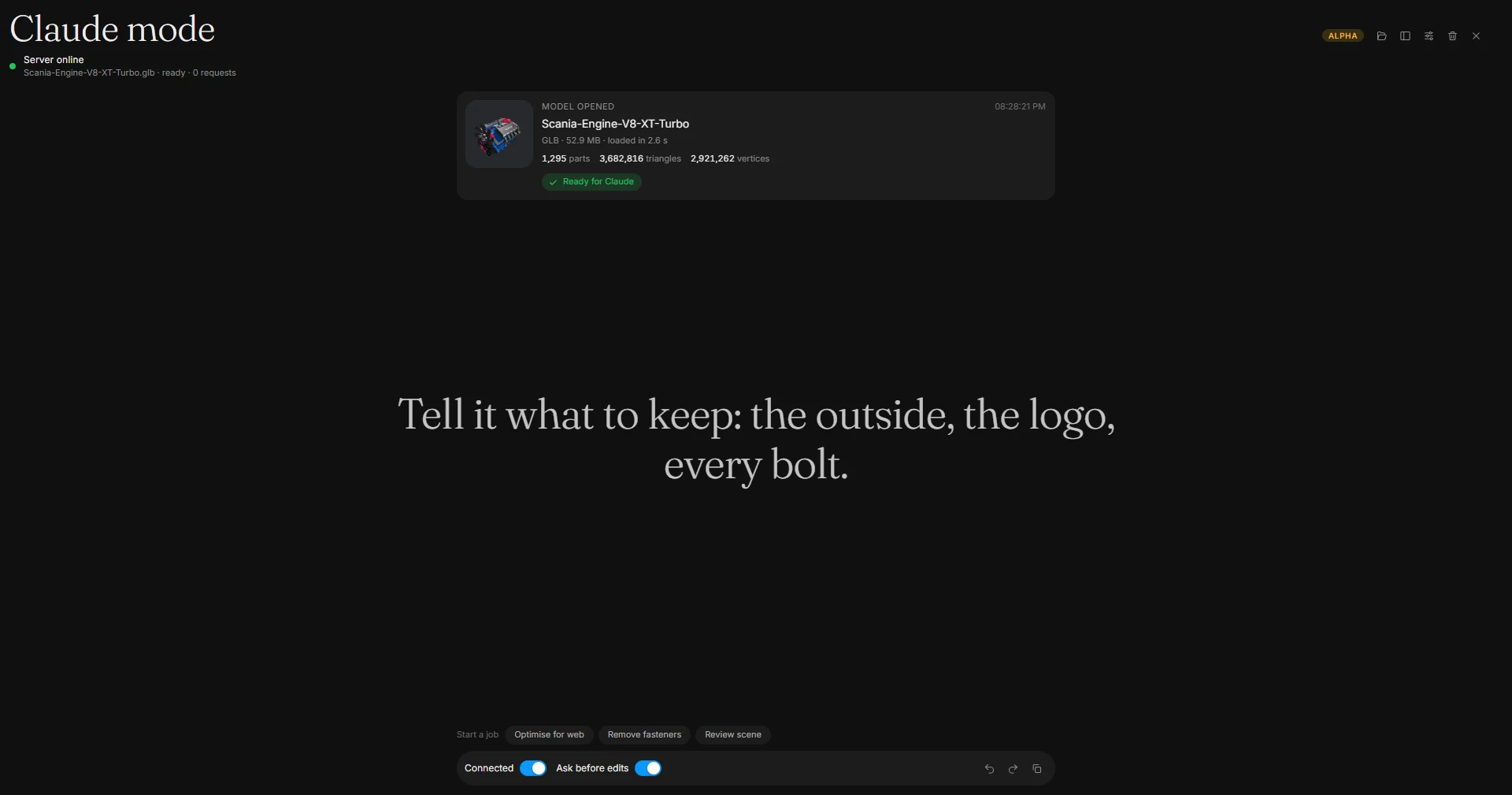
- An alpha view of the app for following Claude. It hides the normal app and shows a feed of what Claude says, every call it makes and every picture it takes, with the model beside it as a card you can show or hide. You open a model there, see the numbers, undo, and start a ready-made job. Open it from the start screen, the Claude badge, the command search or with ?claude on the address.
- Is it on by default?
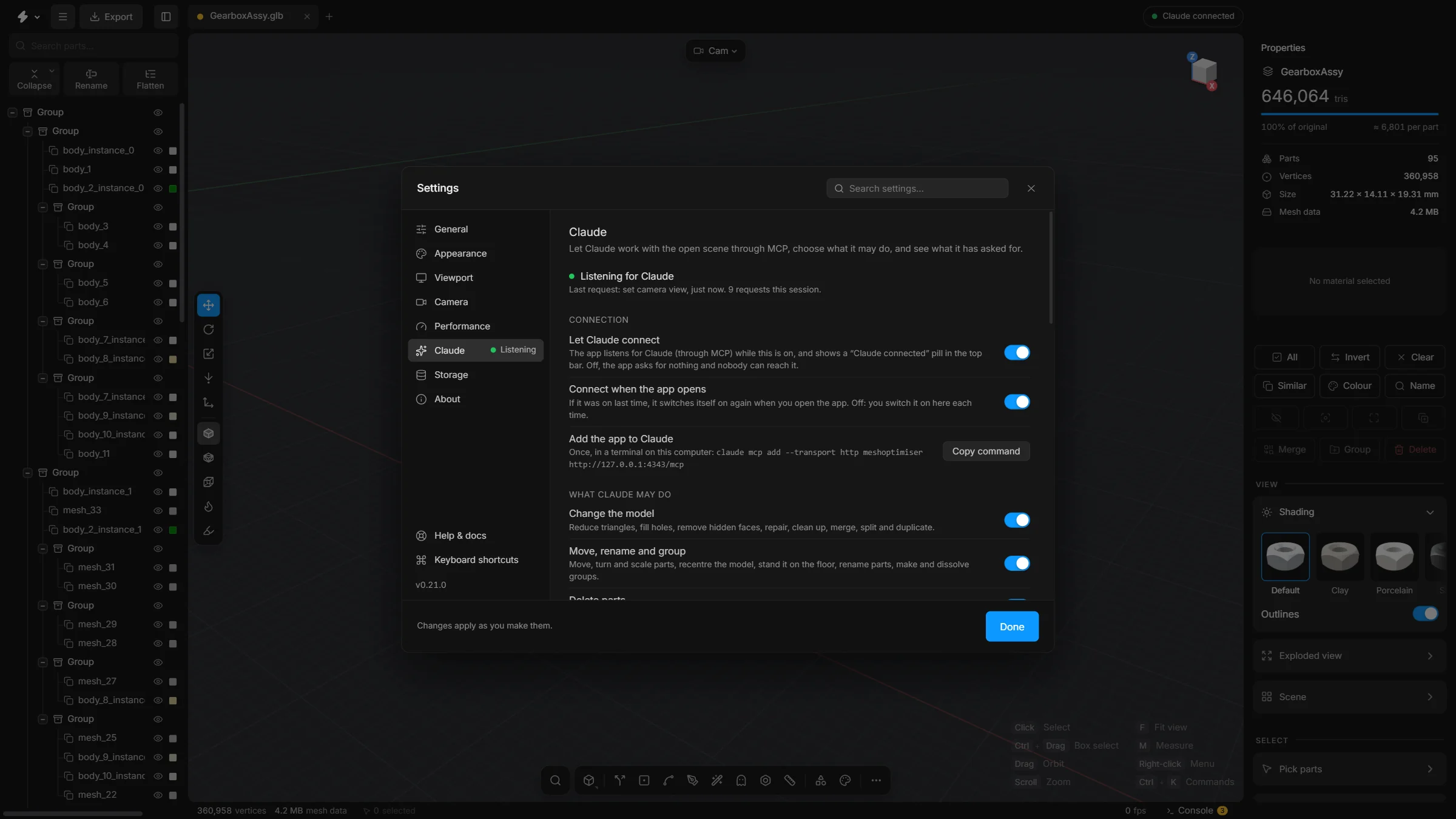
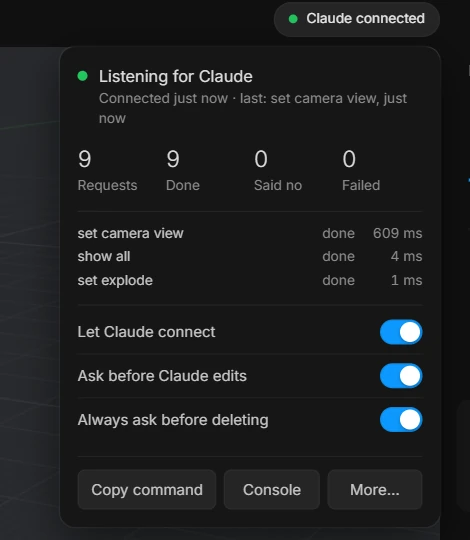
- No. It listens only after you switch on Let Claude connect.
- Does it work in the online version?
- No. Run the app on your own computer.
- What if I want it to ask less, or not at all?
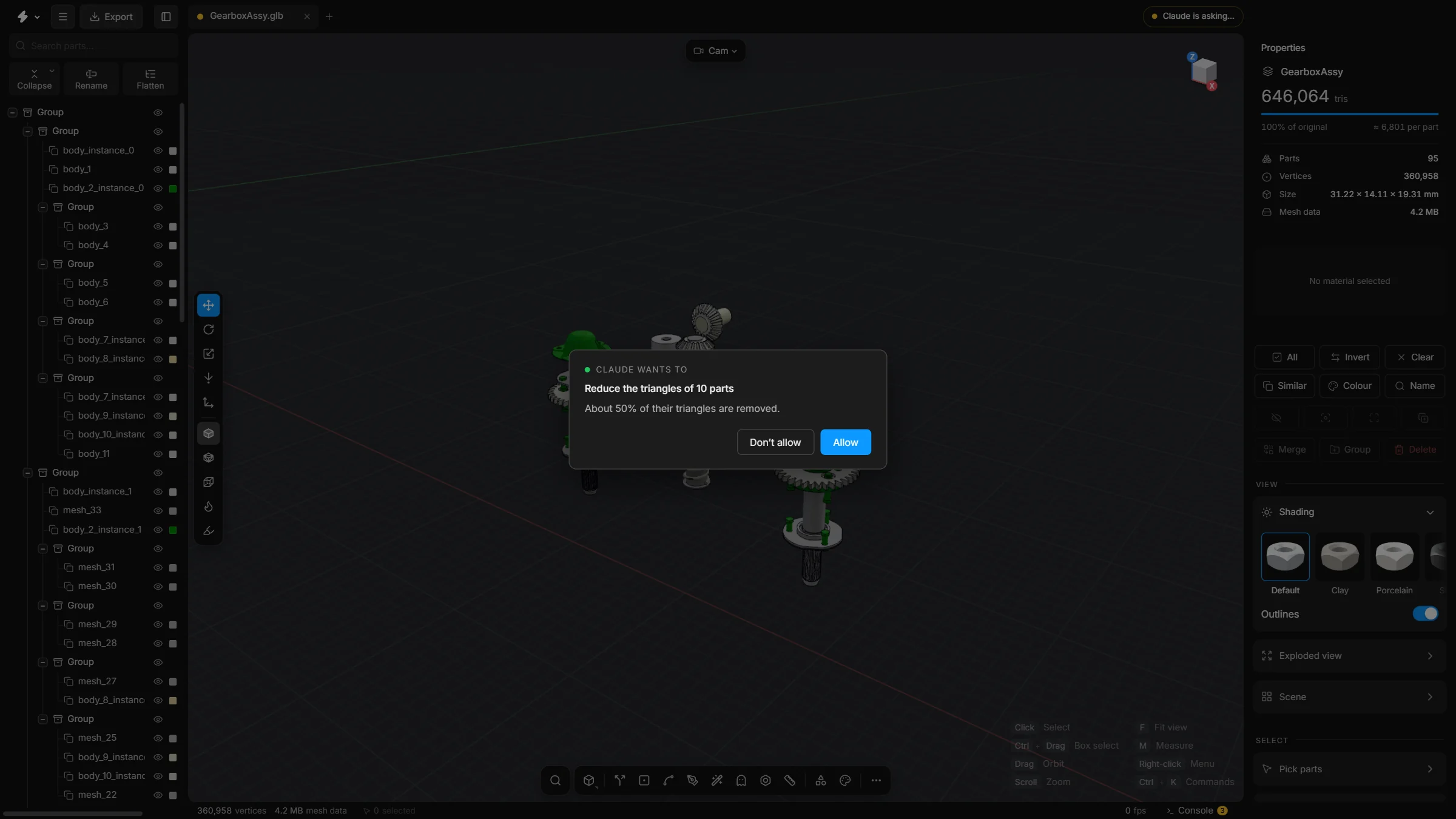
- Switch off Ask before Claude edits. Deleting still asks unless you switch that off too. Or turn a whole kind of edit off.
- Does Claude know how to use the app?
- It is told how: six short playbooks and about fifty help articles. It reads the playbook first and searches the articles when it needs one.
- How does Claude know how far to go?
- Against the app’s own limits, the ones in the Export dialog: about 5 MB and 100,000 triangles for a web page, 15 MB for Shopify, 10 MB and 100,000 triangles for AR Quick Look, 25 MB and 200,000 triangles for a phone app. If you give it a number, yours wins.
- Will it save tokens?
- It should. One Smart optimise call stands in for a dozen steps, and replies are compact. The playbook costs about 2,800 tokens, read once. There is no promise of a percentage.
- Can I see what a step would do before I allow it?
- Yes. With dry run the app does the step, reads the numbers and takes it back. Nothing stays changed.
- Can Claude do a whole folder of models?
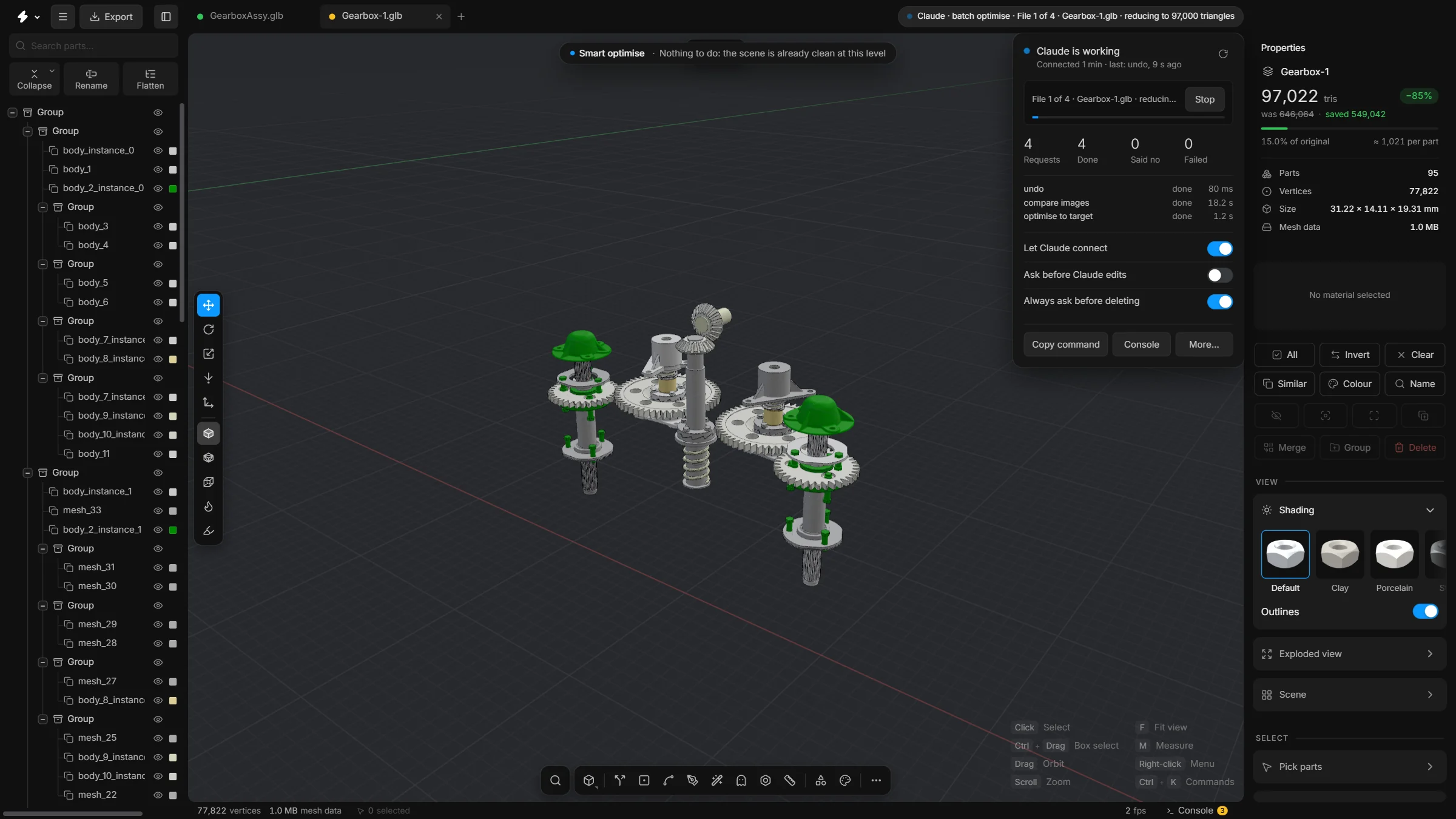
- Yes. batch_optimise opens each file in its own tab, optimises it, exports it as name_optimised and closes the tab. Your open scene is not touched. Try one file by hand first.
- Can I stop a long job?
- Yes. The dropdown has a progress bar and a Stop button, and cancelling in Claude stops it too. The job ends after the current step, and undo takes back what was done.
- Can Claude make pictures of the result for a client?
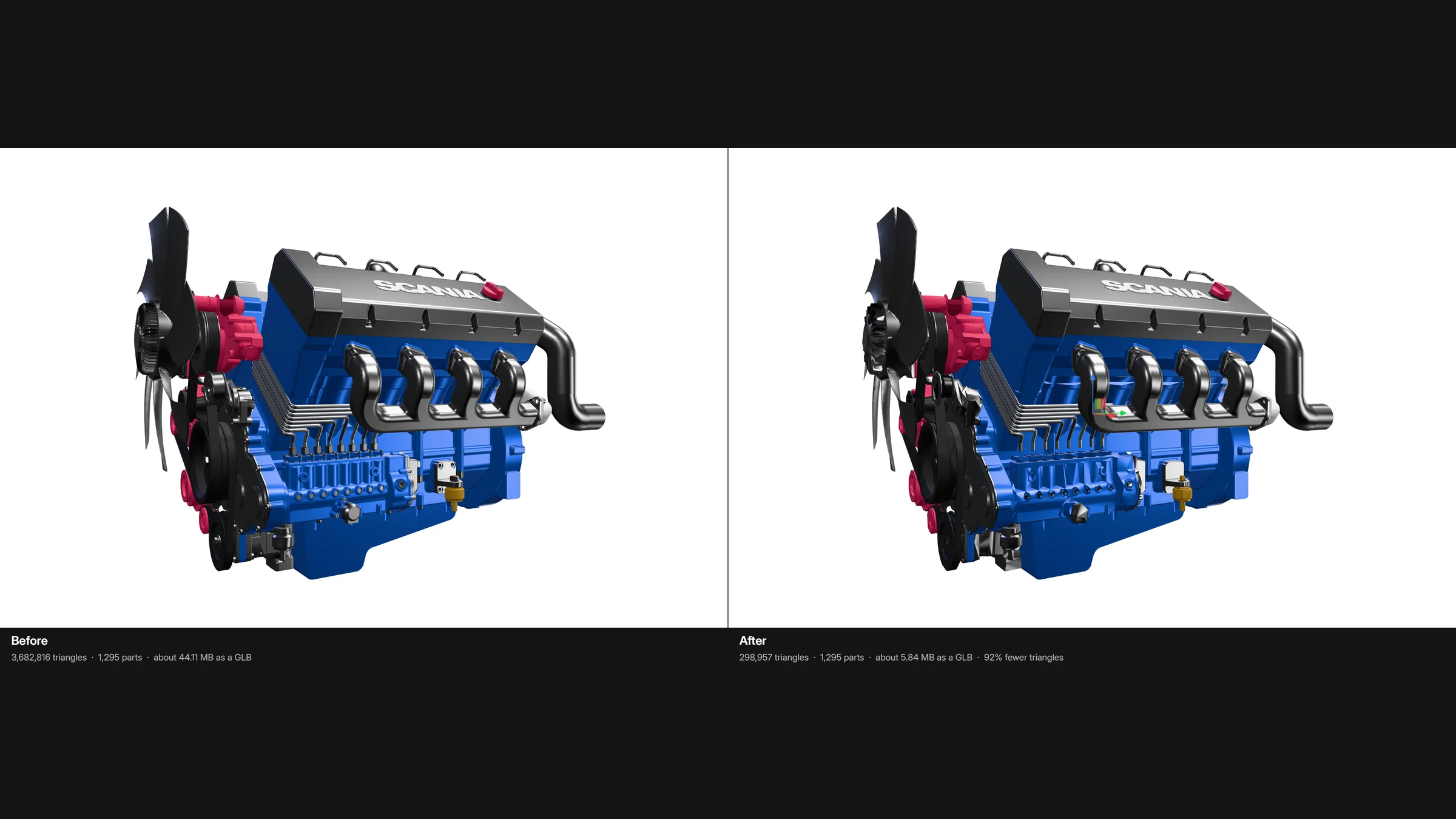
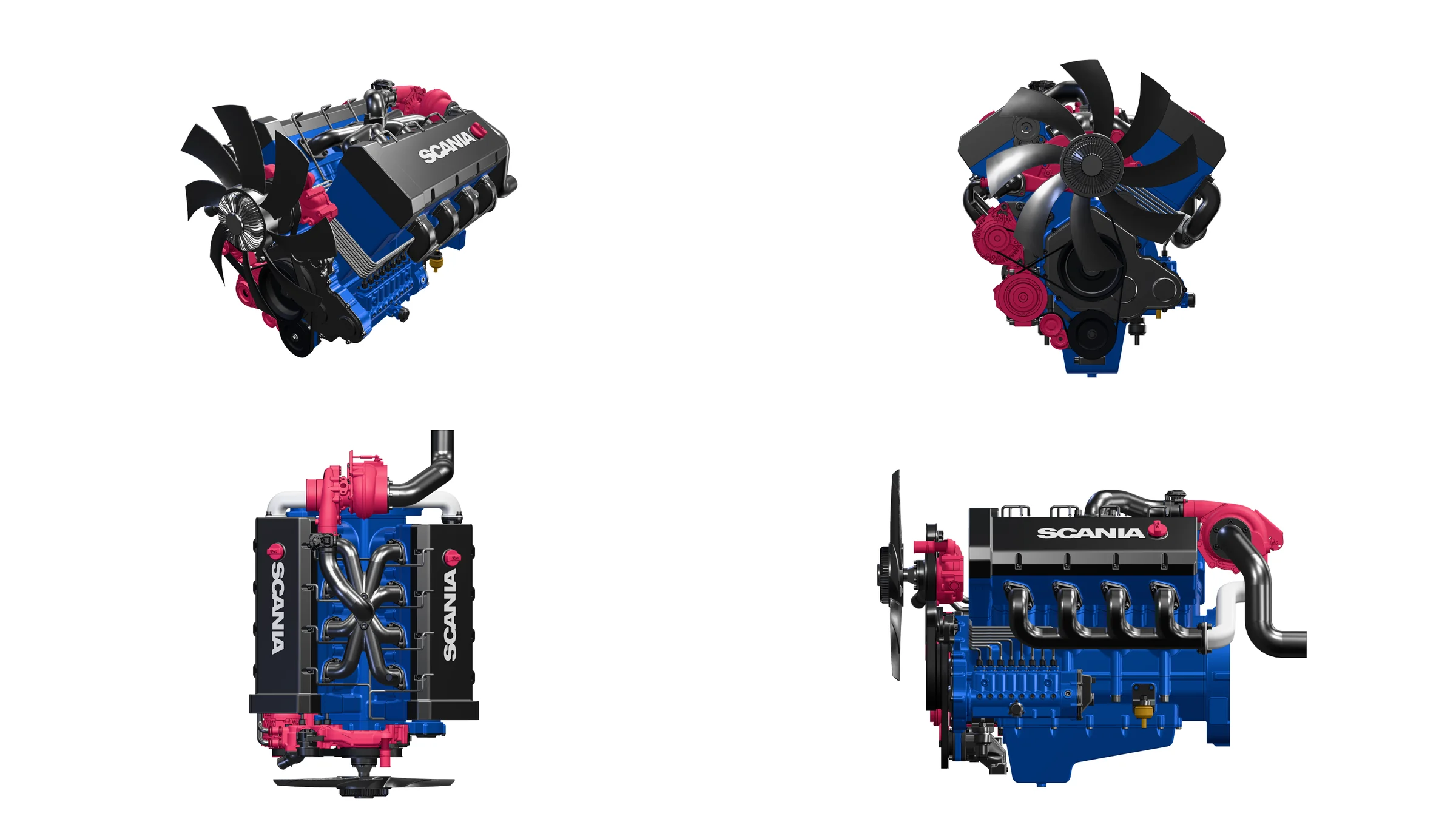
- Yes. Up to 8192 pixels, from one or several angles, in clay or solid, on white, dark or transparent, saved as PNG. It can also render before and after with the same camera.
- Can Claude break my model?
- Not past the undo history. Every change is a step you can take back, and your file on disk is only changed when you export.