
Convert
STEP in. Light GLB out.
Names, colours and the part tree come through.
v0.37.3·Beta·MIT·Windows and macOS
The free mesh editor that runs in your browser, built for big CAD assemblies. Everything stays on your computer.
Fewer triangles, the same shape. It runs in your browser.
MIT licence. No account, no subscription.
A thousand parts and millions of triangles.
I was optimising big CAD models by hand and got tired of it, so I built the tool I wanted, and I kept building, so it now has tons of features. It converts STEP on your computer, finds repeated parts, hidden screws and tiny details for you, and exports one small GLB. Free, open source, nothing uploaded.
The STEP converter is built on OpenCascade and meshes a big assembly on several cores at once. Models are drawn with three.js and simplified with meshoptimizer. The app itself runs in your browser, with nothing to sign in to. It is all local. I made it as user friendly as I could. Started for fun, as a UX exercise, but it is a serious tool.
Convert
Names, colours and the part tree come through.
Clean
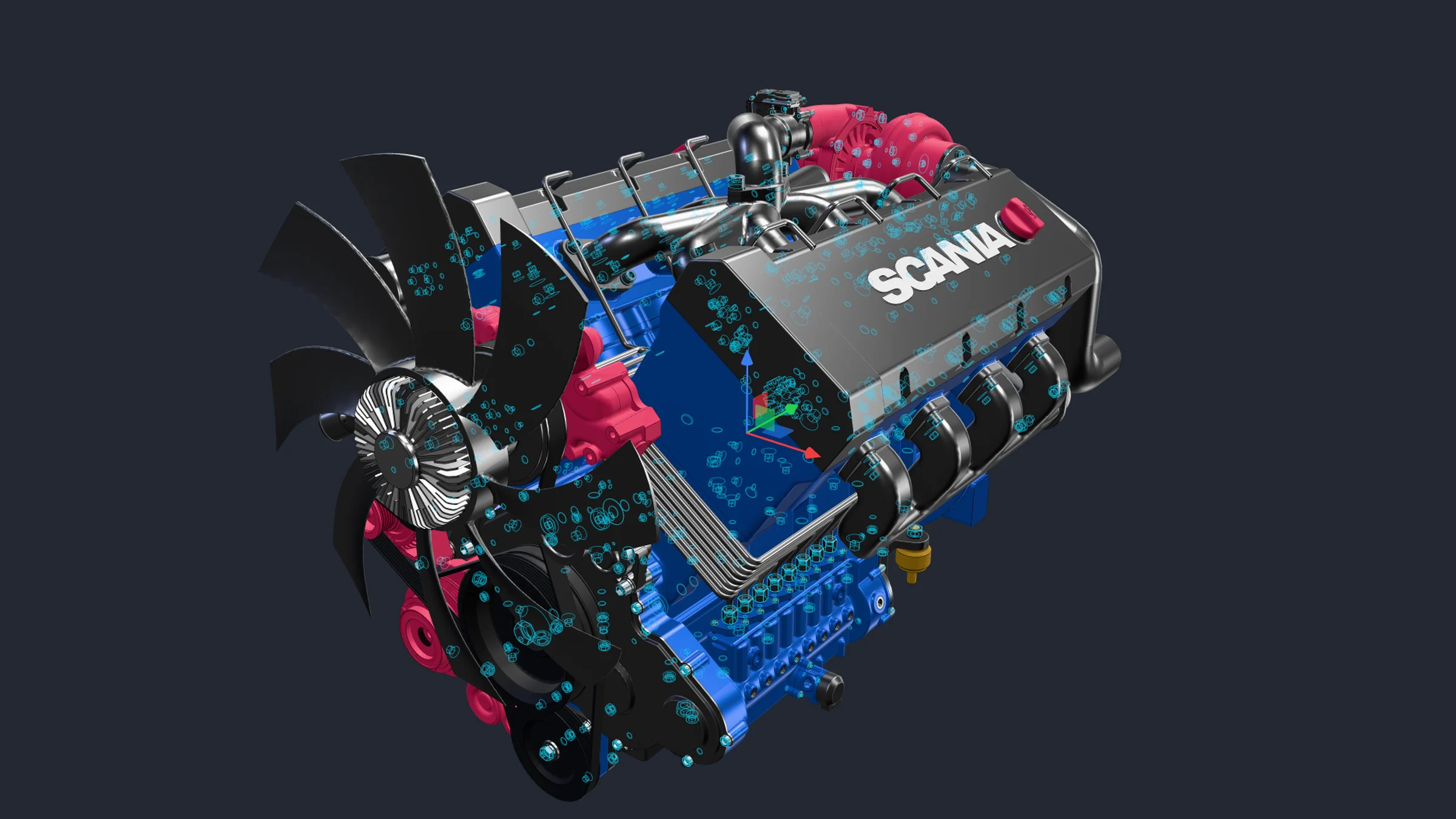
Bolts, tiny parts and holes.
Shrink
One press of Smart optimise.
Trust
Runs on your computer. Free.
Claude
Say what it is for. Claude does the job.

33 MB of CAD, now 1.3 MB. All 295 parts move as you scroll.
54% fewer triangles, GLB 9× smaller.
Mercedes-Benz Arocs 8×8 axle. Not affiliated.
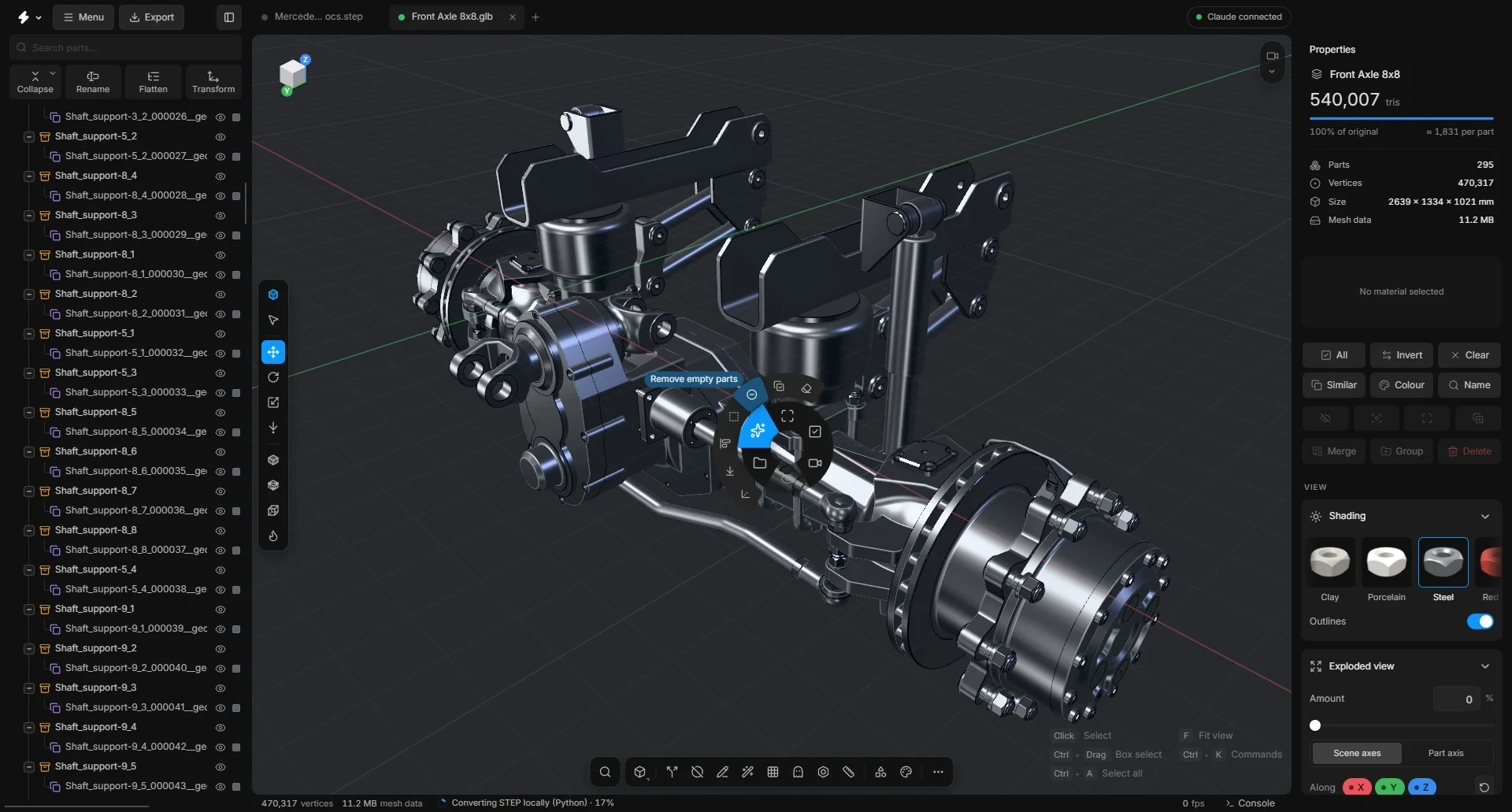
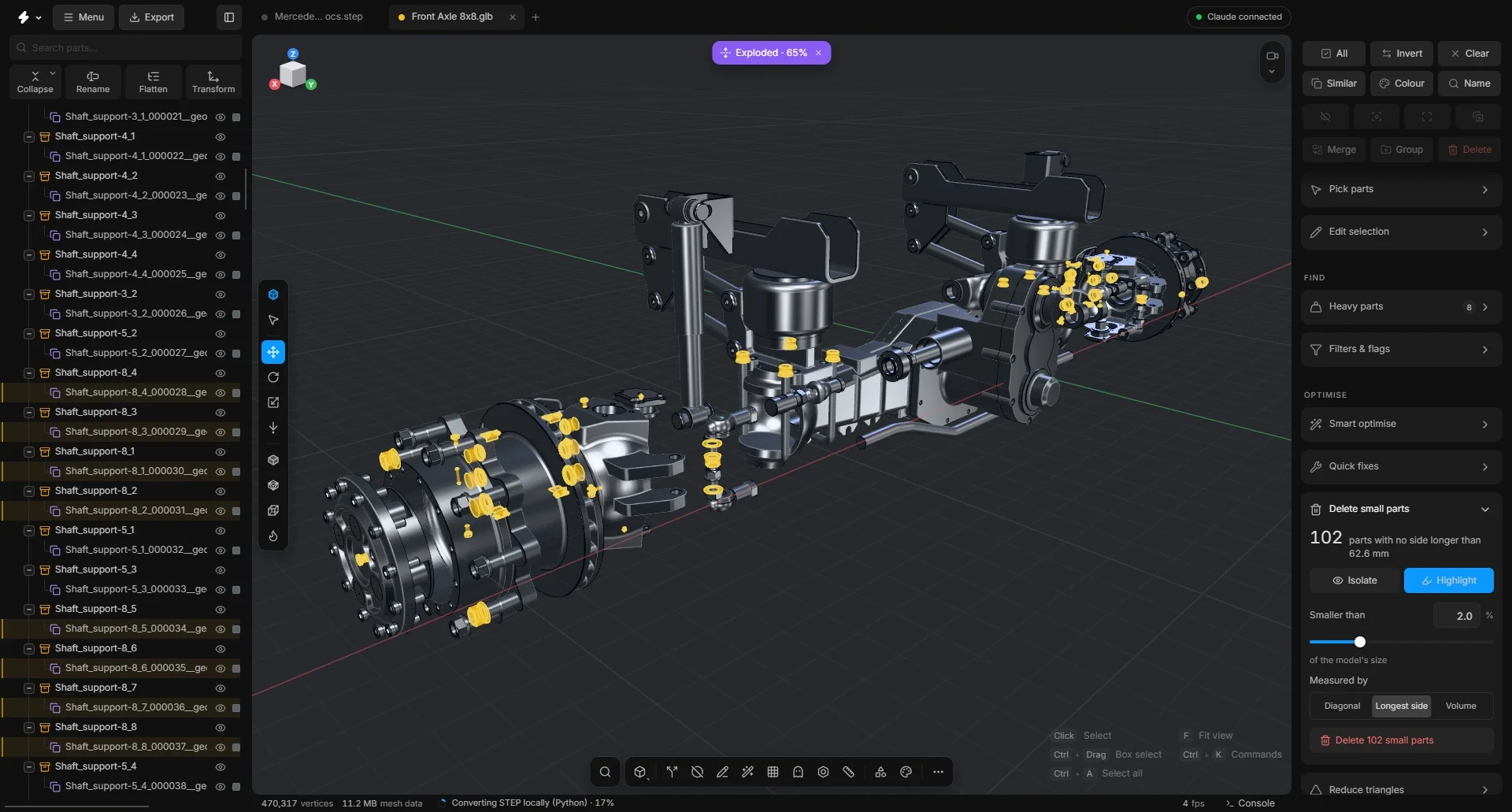
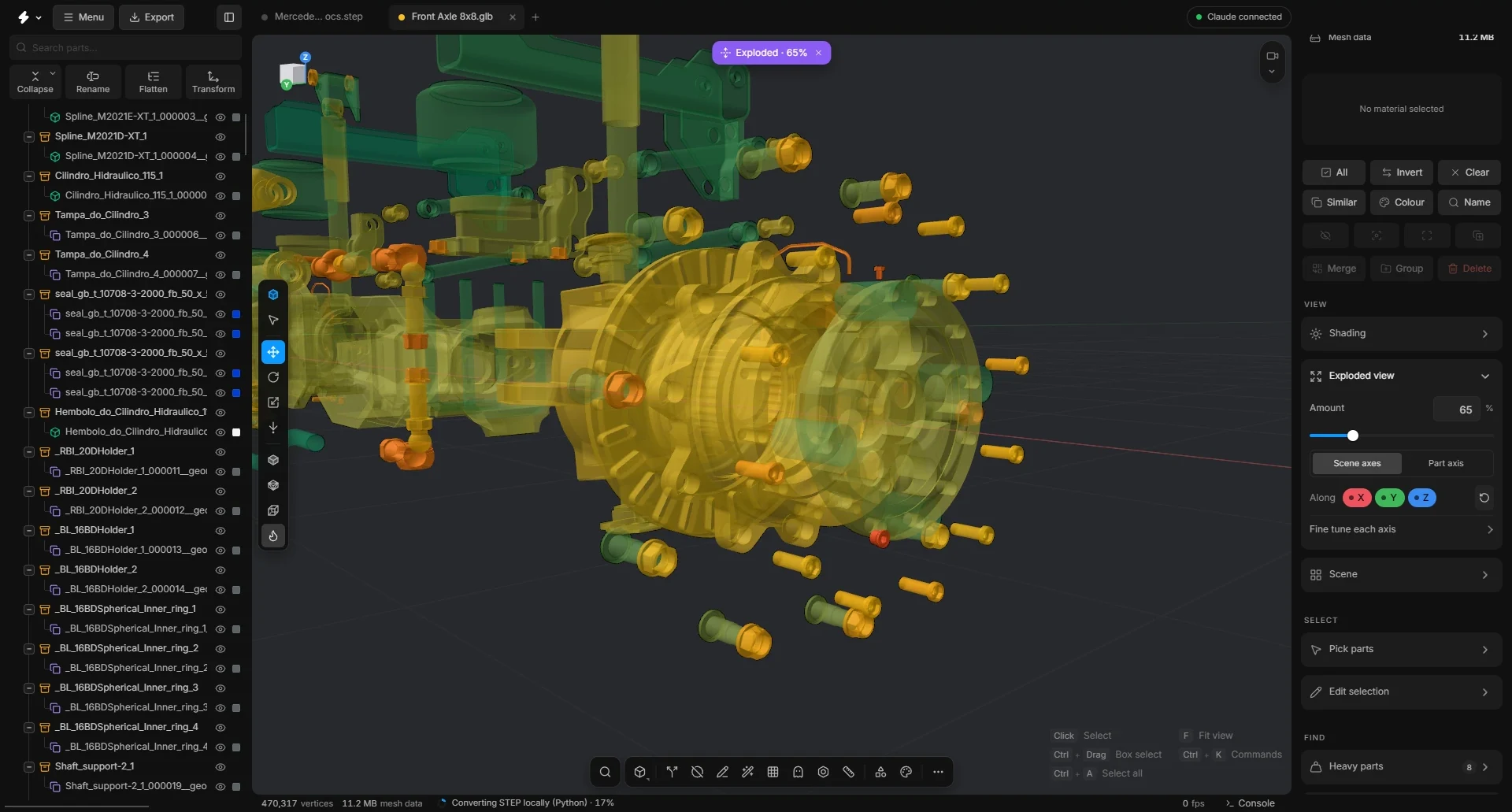
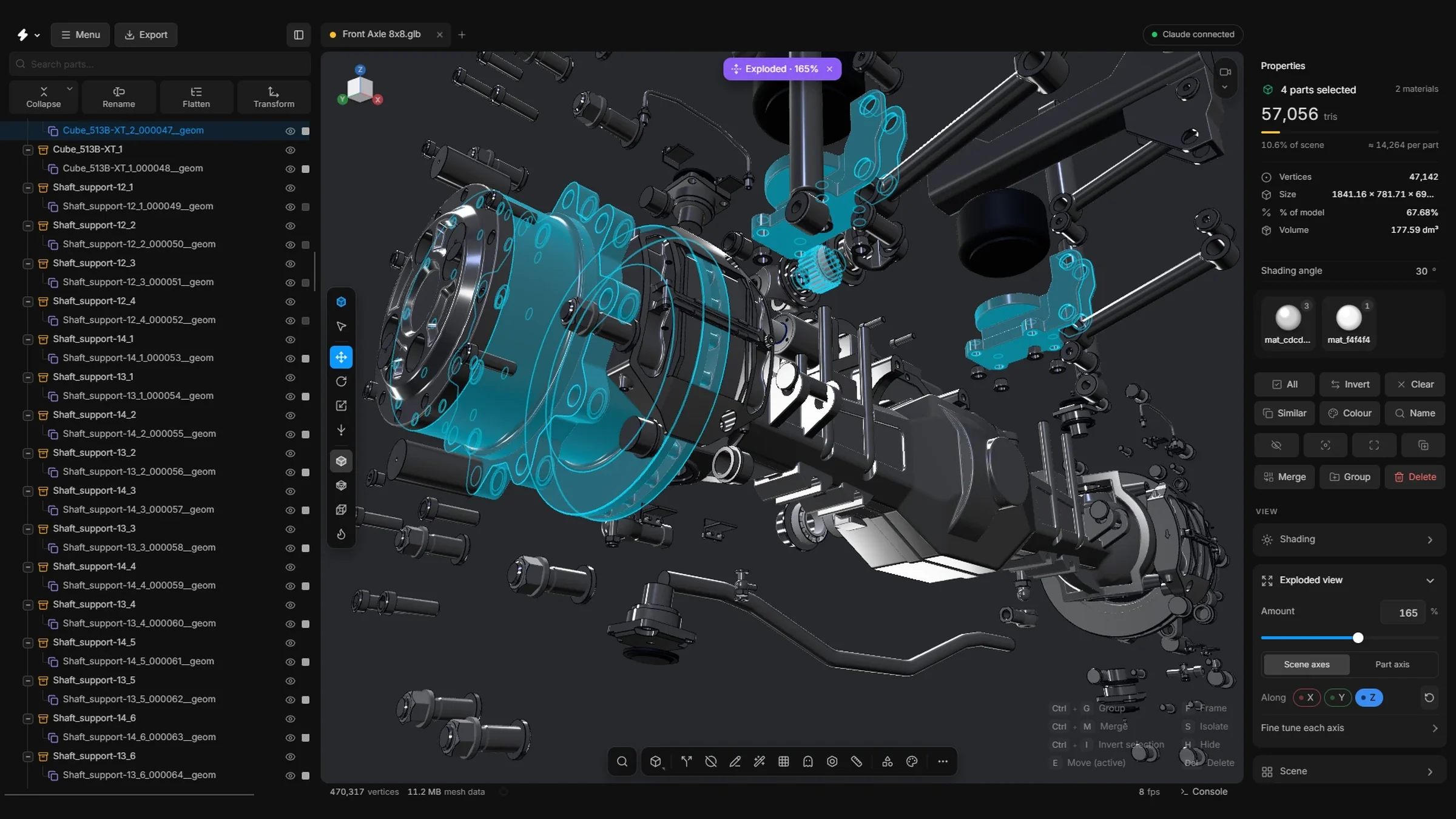
The truck axle in these pictures is a Mercedes-Benz Arocs 8×8 front axle. Trademarks belong to their owners; not affiliated.
Why MeshOptimiser
STEP comes in with its names, colours and the whole part tree. Nothing is flattened.
Repeats, hidden screws and tiny parts are found by what they are, not by what the file called them.
Every step previews first and has an undo, so you can try anything.
It runs on your computer and nothing is uploaded. Free and open source.
Try it
The app’s own search. Type a part, a library item, a command or a sum.
Try it
The app’s own Quick wand. Point at a slice, click a command. Select a part and the ring changes to fit it.
Claude·New
Describe the job. Claude does the clean-up with the same tools you click, asks before it changes anything, and every change is one undo.
Save writes over the file, the window’s title follows the scene, MeshOptimiser can be chosen in Explorer’s Open with list, and a long job tells you when it ends. An FBX keeps the names of its materials.
Web opens a sample gearbox first and needs a window 960 px wide. Best in Chrome: Safari on a Mac can lag.